원활한 Q-SYS 시스템 구축에 필요한 강력한 DSP 설계 소프트웨어
원활한 통합을 지원하도록 설계된 직관적이며 깔끔한 소프트웨어로 확장성 높은 Q‑SYS 시스템을 구축해 보십시오.
원활한 Q-SYS 시스템 구축에 필요한 강력한 DSP 설계 소프트웨어
원활한 통합을 지원하도록 설계된 직관적이며 깔끔한 소프트웨어로 확장성 높은 Q‑SYS 시스템을 구축해 보십시오.
Q-SYS Designer Software 오늘날 시장에서 가장 강력하면서도 간편한 고급 DSP 설계 소프트웨어입니다. 이 소프트웨어를 통해 사용자는 기본 Q-SYS 플랫폼 시스템의 설계를 만들 수 있으며, 더 큰 Q-SYS ecosystem 의 통합을 지원합니다. 시스템 설계 환경은 직관적이고 사용하기 쉽도록 특별히 제작되었습니다. 어수선하거나 복잡한 다단계 메뉴 없이 배치되어 있습니다. 결과적으로 이 소프트웨어를 통해 system integrator 복잡한 소프트웨어 학습 곡선에 힘쓰는 대신 오디오 시스템 구축에 에너지를 집중할 수 있습니다.
• 모든 시스템 규모를 위한 하나의 소프트웨어: Q-SYS Designer Software 모든 규모의 프로젝트의 모든 Q-SYS core 카테고리에서 사용할 수 있는 단일 applications 입니다.
• 에뮬레이션 모드: 하드웨어 없이 대부분의 시스템을 구축할 수 있습니다.
• 타사 주변기기 지원: Q-SYS의 경우 사용 가능한 LUA script를 통해 외부 장치를 제어할 수 있습니다.
• User Control Interface: 사용자 지정 버튼을 디자인하고, 그래픽을 가져오고, 추가 보호 계층으로 UCI PIN 보호를 추가하고,터치스크린 컨트롤러를 위한 사용자 컨트롤을 구축할 수 있습니다.
참고: 업그레이드하기 전에 현재 버전 및 이전 버전에 대한 Q-SYS 디자인 파일의 백업 사본을 생성해야 합니다. 또한 core 에 있는 모든 미디어에 대한 백업 파일을 만듭니다. 백업 사본을 덮어쓰지 않도록 하려면 새로 설치된 버전의 Q-SYS Designer Software 로 백업 사본을 열지 마십시오.
Updated Features v10.5.1
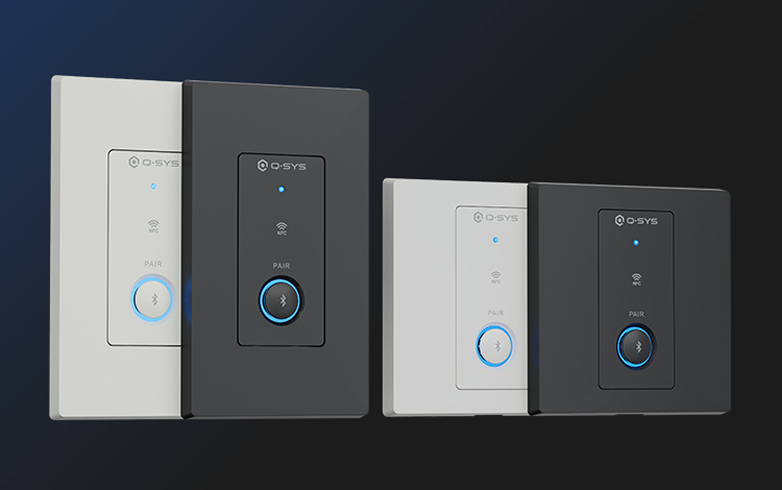
QIO-WP-BT Bluetooth® 오디오 월 플레이트는 Q-SYS 솔루션에 무선 오디오 통합을 제공하고, 네이티브 Q-SYS 엔드포인트 내에서 신뢰성 높은 Bluetooth® 미디어 스트리밍, Auracast™를 통한 방송 오디오, 통화 브리징을 지원합니다.
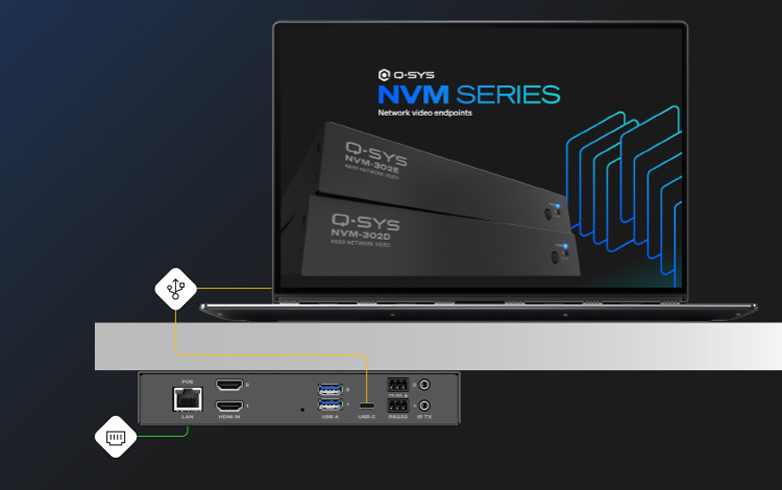
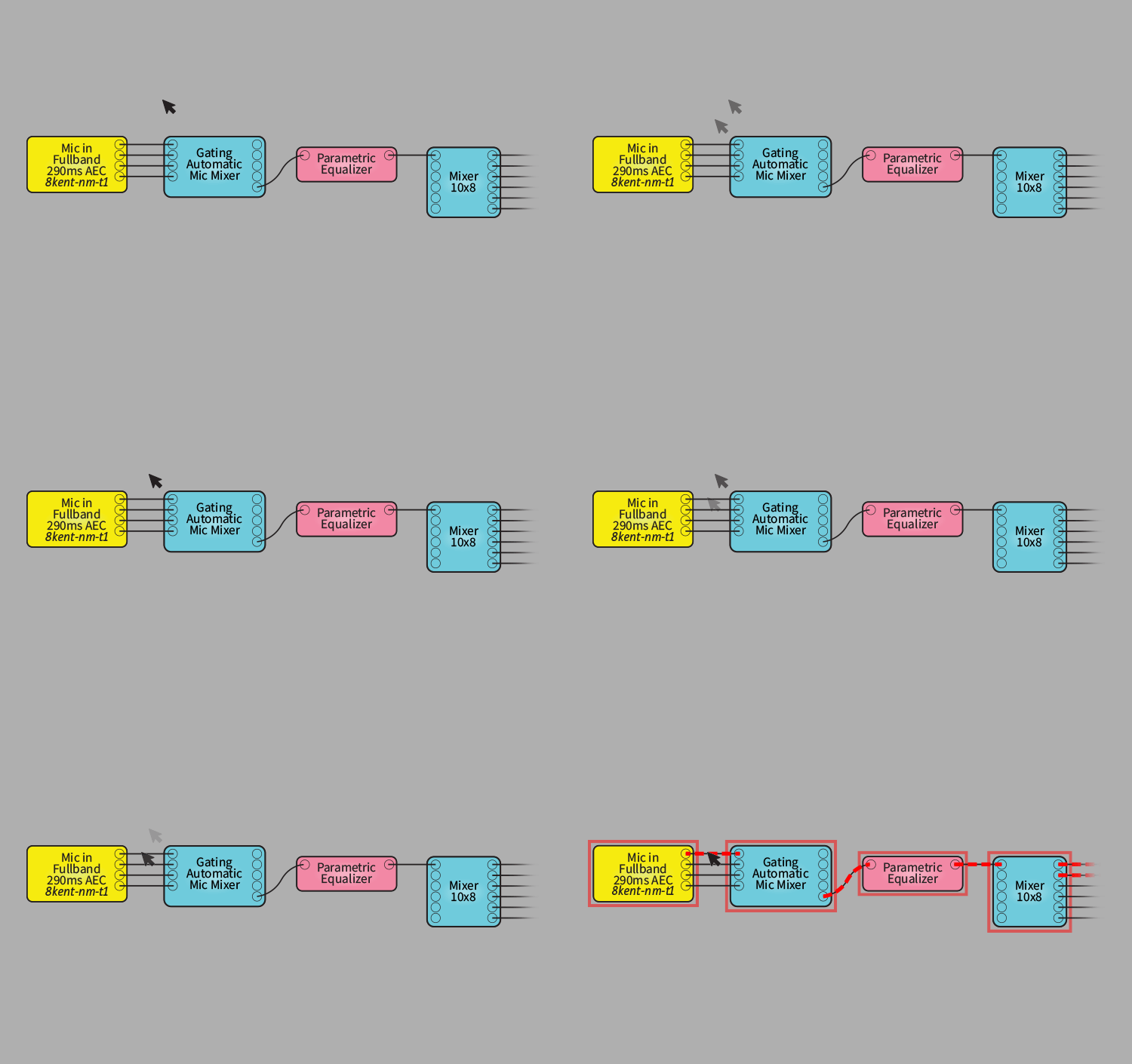
Q-SYS Designer Software 의 각 주요 릴리스의 주목할만한 새로운 기능을 빠르게 둘러볼 수 있습니다. Q-SYS Designer Software 사용에 대해 자세히 알아보려면 Q-SYS Q-SYS Training을 방문하세요.
Released October 27, 2026
UPGRADE NOTICE:
2026년 8월 13일 출시
장기 지원 버전은 Q-SYS Designer Software v9.13의 기능 세트를 유지하는 동시에, 중요한 버그 수정 및 보안 업데이트, 지원되는 하드웨어의 마이너 버전과 호환성을 제공합니다. 이 버전은 출시일로부터 24개월 동안 또는 새 릴리스가 LTS 버전으로 승격될 때까지 지원됩니다.
Alan 시스템용 Q-SYS Designer Software 의 이전 또는 단종(EOL) 버전을 요청하세요.
Q-SYS는 여러 AV&C 기술 제조업체와 협력하여 광범위한 사전 제작 플러그인 포트폴리오를 제공하고 있습니다. 이를 통해 타사 장치를 Q-SYS 시스템에 통합할 수 있으므로 드래그 앤 드롭 구성이 simple .
Q-SYS 기술 파트너 플러그인 보기
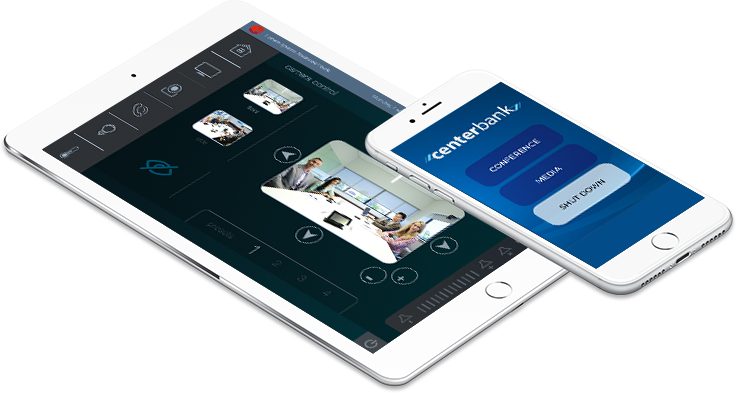
Q-SYS Designer Software 내에서 iOS 장치용 사용자 제어 인터페이스를 설계하고 이 무료 앱을 사용하여 iPhone 또는 iPad에서 Q-SYS 시스템의 모든 요소를 무선으로 제어하세요.

Q-SYS 온라인 도움말 파일은 Q-SYS Designer Software 및 관련 하드웨어 및 주변기기에 대한 가장 완전하고 최신의 도움말 파일입니다. 이 도움말 파일은 Q-SYS Designer Software 내에서 액세스할 수 있습니다. Q-SYS 온라인 도움말 파일은 일반적으로 Q-SYS Designer Software 에 내장된 도움말 파일보다 더 자주 업데이트됩니다.